Features
One voice. Every workflow.
CyberWhisper works anywhere you can type — across apps.
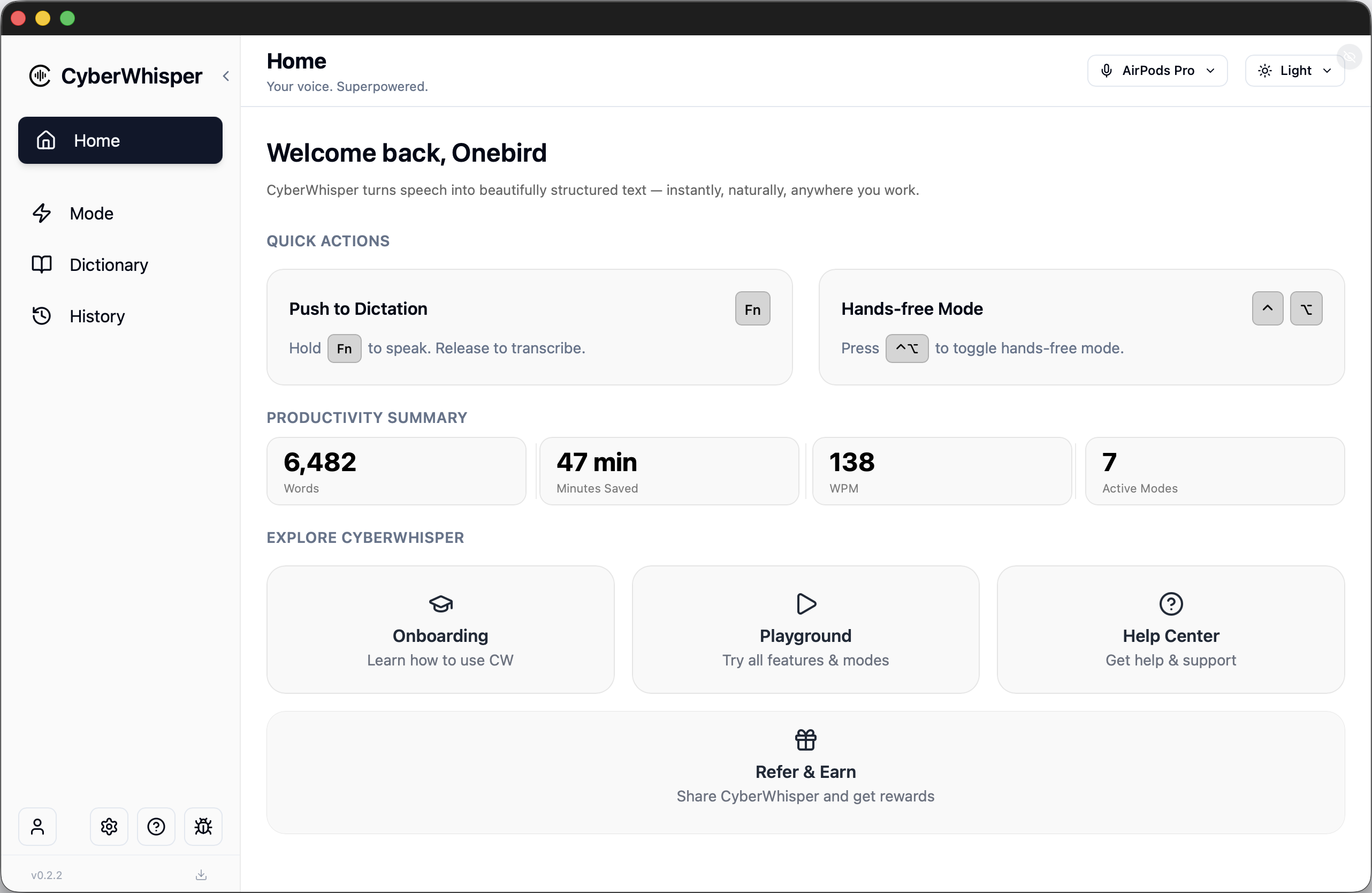
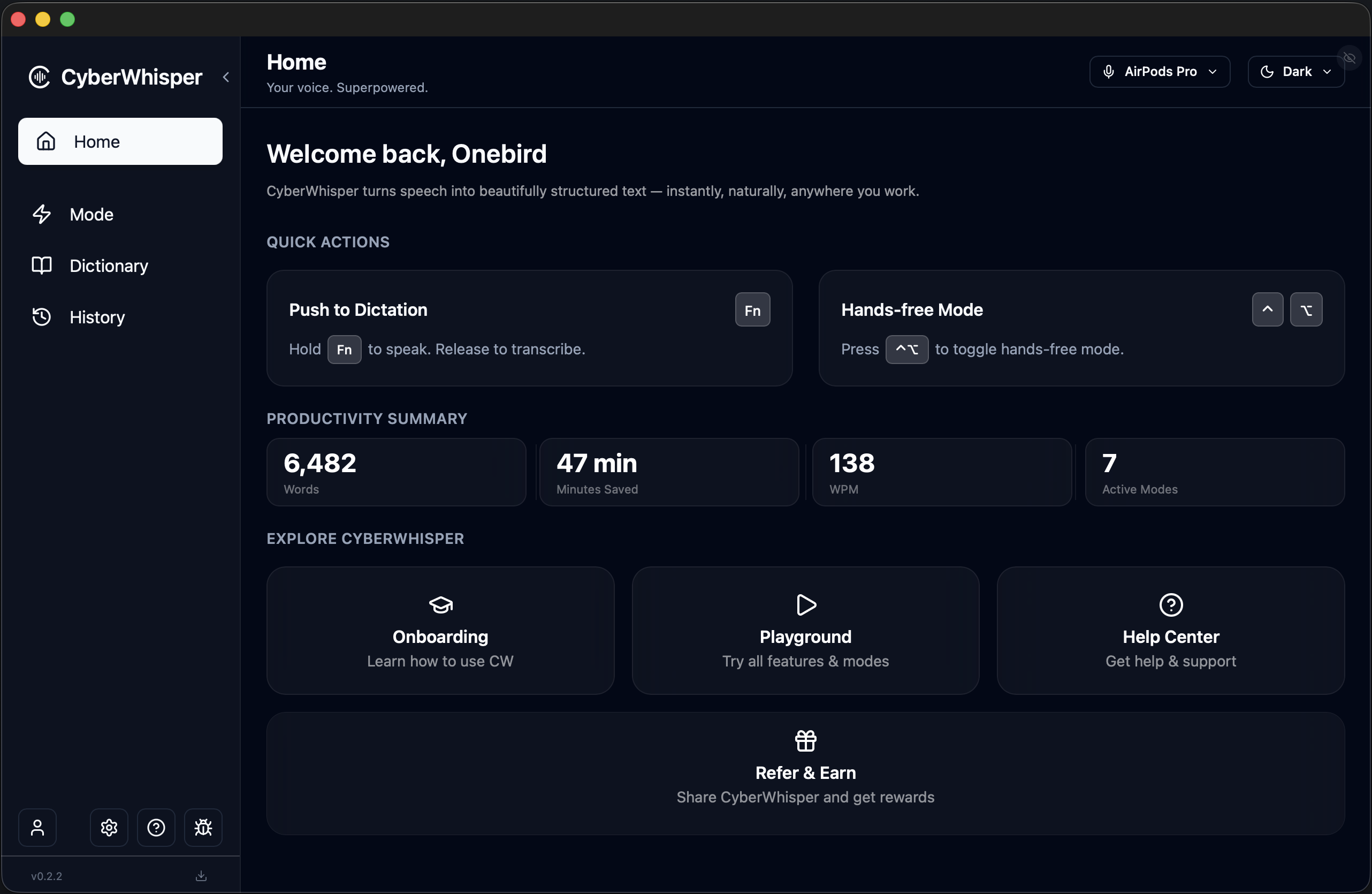
Two ways to activate voice input instantly.
Choose your preferred shortcut method.
CyberWhisper provides two quick trigger methods for voice input:
Push to Dictation
Push-to-Dictation is the trigger method for short voice inputs, perfect for precise, controlled input. Press and release the dictation shortcut key to deliver high precision and high quality output for every short thought.
Hands Free
When you need time to think while inputting. When you need to consult materials while inputting You can press the hands-free shortcut key to enter hands-free mode and start speaking your thoughts and the content you need to input. During this process, you can pause freely, even for extended periods. You can also browse relevant materials and speak the content you want to say while reviewing them. You can switch between different applications and content. When you press to end hands-free mode, all the content you've spoken will be converted into output and delivered to your program or application.
Push to Dictation
Press & Release
Hands Free
Hands-free
Shortcuts
Keyboard
Hands-free
Automatic context adaptation.
Better context engineering with intelligent output adaptation across different applications.
Automatic context adaptation with the ability to define work modes for different contexts.
Use different language models, different voice models, and configure different output styles. Intelligently adapt appropriate outputs across different applications. Switch between different modes instantly using keyboard shortcuts for better context engineering.
Different scenarios require different output requirements: writing emails, replying to client messages, vibe coding, interacting with AI tools. Each scenario has specific format requirements and professional terminology enhancements. Different applications need different output formats, and different recipients (boss, client, colleague, family) require different tones and styles.
Applications
Voice
Slack
Message
Word
IDE
Teams
Discord
Scenarios
Boss
Professional
Client
Formal
Colleague
Casual
Family
Friendly
Playful
Humorous
Creative
Expressive
Voice models and large language models run entirely on-device
Complete data security, lower latency, lower cost.
You can customize and download different language models based on your needs. Some models guarantee low latency, ideal for scenarios requiring quick responses; others may have slightly higher latency but ensure higher accuracy, perfect for scenarios with high precision requirements. You can choose the model that best fits your needs for different scenarios.
Speed is instantaneous. Since models run entirely on-device with no network overhead, processing is extremely fast, completing in milliseconds.
Ensuring data privacy and security. Your voice is your biometric feature—highly sensitive. All data is processed entirely on your device, ensuring no leakage and complete security. For highly sensitive content such as internal corporate documents or confidential client information, on-device large models keep all data on your end, never transmitted to the cloud.
Biometric Data Protected
Latency vs Accuracy
Low Latency
High Accuracy
Biometric Voice Data
Highly Sensitive • Fully Protected
Dictionary.
Enhance accuracy and speed up your workflow.
Our dictionary supports vocabulary and snippets to significantly improve speech recognition accuracy.
Vocabulary
Define custom vocabulary to greatly improve speech recognition accuracy and resolve spelling errors. Perfect for personal names, specific professional terms, and domain-specific vocabulary.
Snippets
Quickly define frequently used content such as postal addresses, product descriptions, and common message phrases. All vocabulary and snippets can be used across different applications.
All dictionary data travels with you—it's not bound to any specific vendor, large language model provider, or application. Your vocabulary and snippets remain yours, accessible wherever you go, regardless of which service or app you're using.
Vocabulary
Personal Names
John Smith, Olivia Zhang, Neo Ruan, Jim Sang
Professional Terms
API, Kubernetes, CyberWhisper, LLM, Transformer, GPT, Claude
Snippets
Postal Address
123 Main St, City, State
Product Introduction
Cyber Whisper is an intelligent voice input solution that enables seamless speech-to-text conversion with on-device processing, ensuring privacy and fast response times.
Any scenario. Any device. Intelligent adaptation.
Intelligently select and precisely tune your device for any environment.
Works seamlessly across diverse scenarios and adapts to different input devices: AirPods, Bluetooth headphones, built-in microphones, laptop lid closed mode, wired microphones, and recording devices.
When your laptop lid is closed, the system intelligently adapts to the different microphone configuration, ensuring optimal audio capture even in clamshell mode.
Advanced noise reduction algorithms automatically filter out background noise in noisy environments like cafes, while preserving clear speech in quiet offices.
Intelligent silence detection handles long pauses and blank spaces in speech, automatically identifying when you're thinking, pausing, or finished speaking. The system understands natural speech patterns with frequent pauses and extended silence periods.
Input Devices
Built-in
Clamshell
Wired
Bluetooth
USB
Loopback Input
Environments
Noisy Cafe
Quiet Office
Bring your own API key, infrastructure, and compute.
Full control over performance, cost, and security.
Use your own API keys to connect to any LLM provider, or deploy models on your own infrastructure and compute resources. We seamlessly support both cloud-based and self-hosted solutions.
This flexibility allows you to optimize for performance, minimize costs, and maintain complete control over your data and security. Whether you prefer cloud APIs or local deployment, you have the freedom to choose the best solution for your specific needs.
More Speak, Less Type.
Integrate your voice into your workflow.
Runs locally on your Mac.
Your audio never leaves your device.